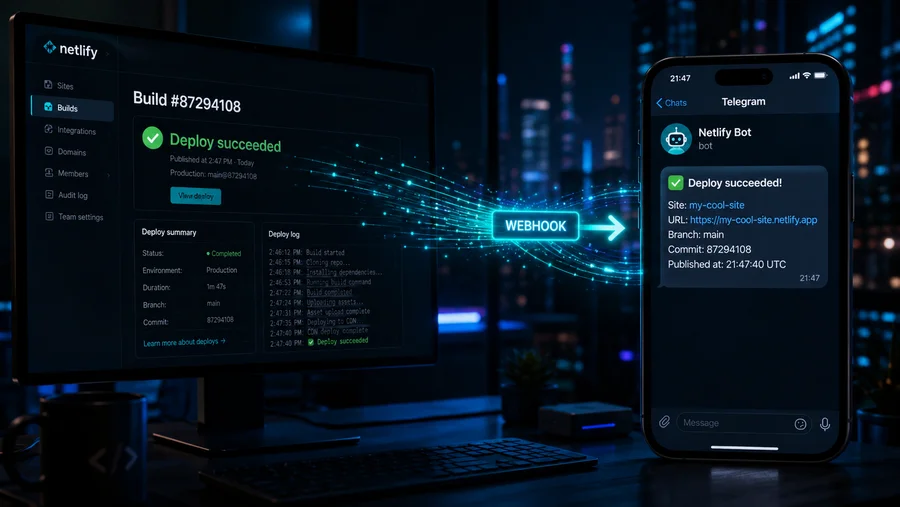
Netlify deploy notifications in Telegram
ru: Уведомления netlify в телеграм
Netlify is a great tool for hosting static sites. When a site is very large, it takes a while to build, and it’s not very convenient to keep an eye on the deploy status. Also, when multiple people work on a site, it’s useful to know when someone has triggered a deploy. You can set up Telegram notifications for this, using a Telegram bot and webhooks.
Create a bot. Add @BotFather, send it /newbot, pick a name and username for the bot, and you’ll get a token in response.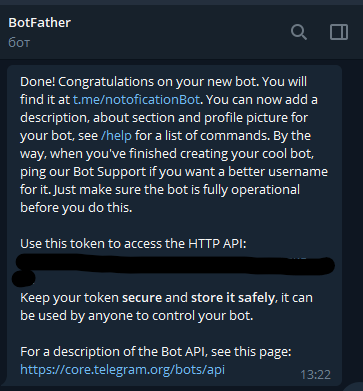
Next, you’ll need a chat_id. Add @chatid_echo_bot — it will reply with your chat_id.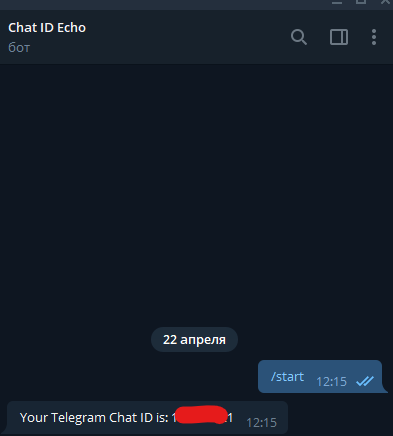
Go to the Netlify admin panel, Build & Deploy > Deploy Notifications, and add an Outgoing webhook.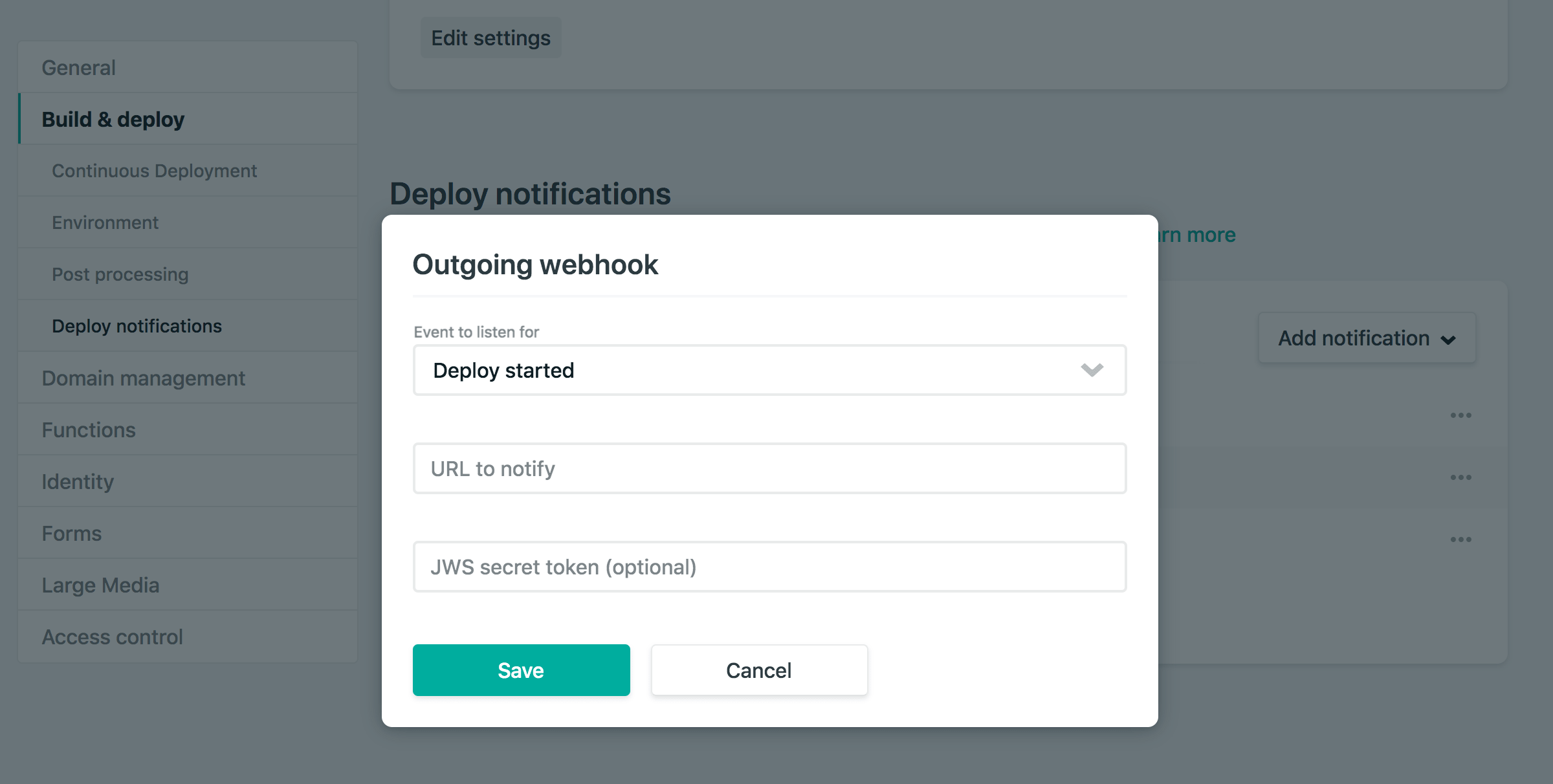
Choose the event you want (the full list of events can be found here). In the URL to notify field, enter:
https://api.telegram.org/botYOUR_TOKEN/sendMessage?chat_id=YOUR_CHAT_ID&text=text that will appear in Telegram.Replace with your own data. The text can be anything — for example, the event name and the site name if you have several.
I created notifications for all events.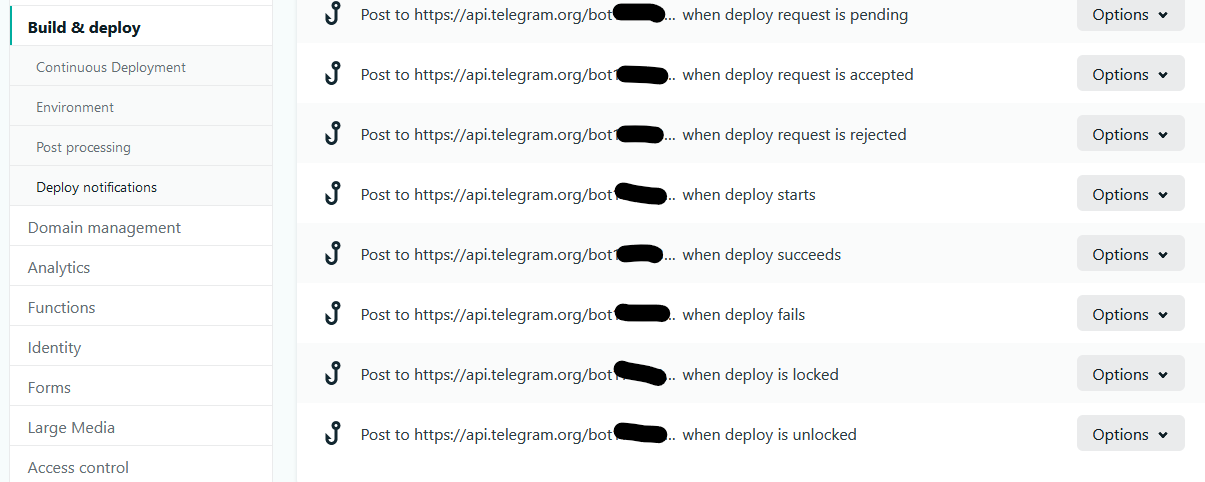
Now, whenever someone updates the site or a deploy finishes, you’ll get a notification in Telegram.